See your shipment move, checkpoint by checkpoint.
Create a shipment, log every stop it makes, and hand your customer one link that shows the whole route — live, from pickup to delivery.
SHX-88214-A9
-
Picked up
-
Departed sorting facility
-
Out for delivery
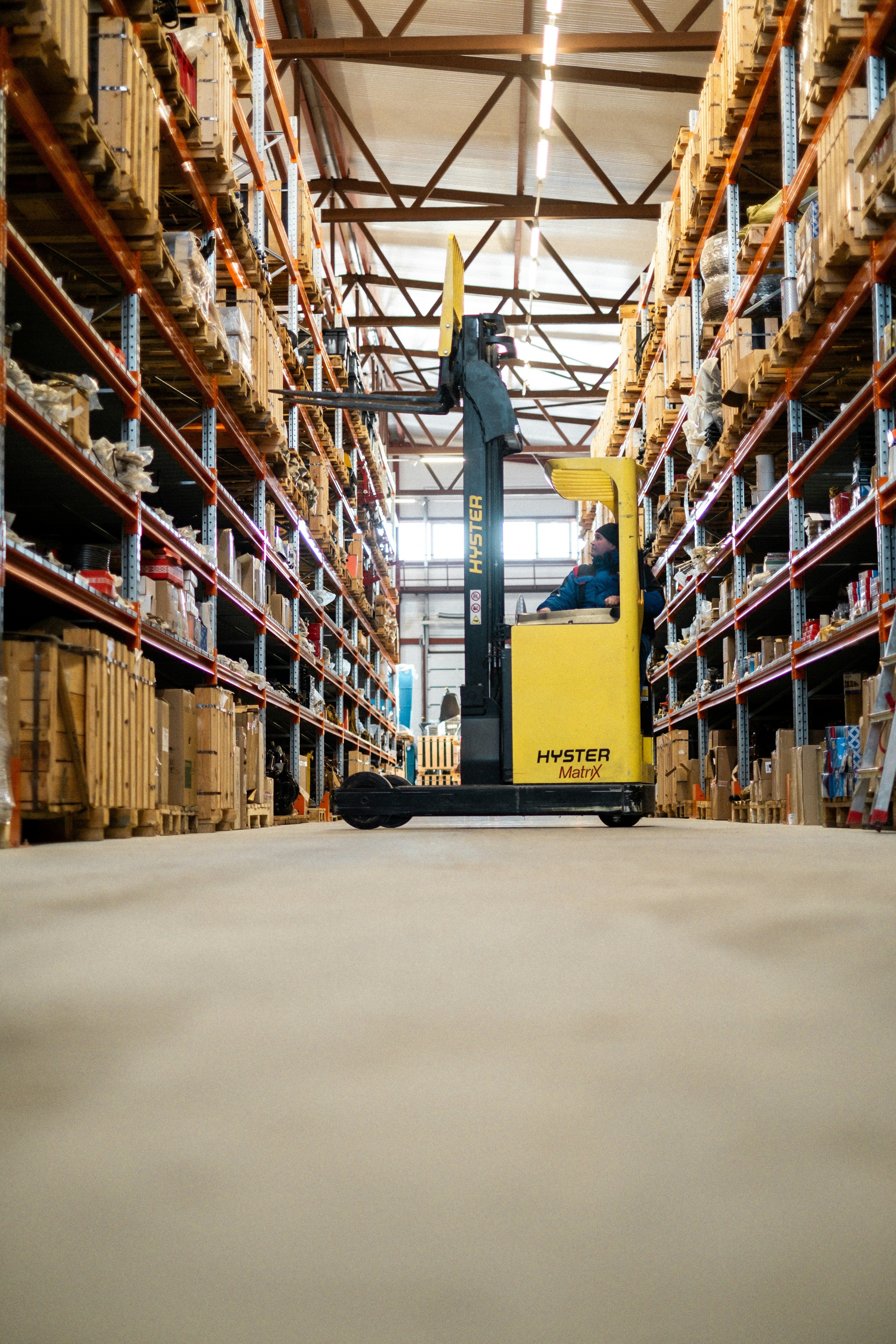
Every shipment follows the same three stops.
The timeline your customers see is built from the checkpoints your team logs — nothing more, nothing hidden.
Pickup logged
A shipment is created and the origin scan starts the timeline.
In transit
Each arrival, departure, and hand-off is added as its own checkpoint, as it happens.
Delivered
The final scan closes out the timeline and locks the record.

One number, the whole route
Customers enter a tracking code and see every stop the shipment has made — no phone calls, no guessing.
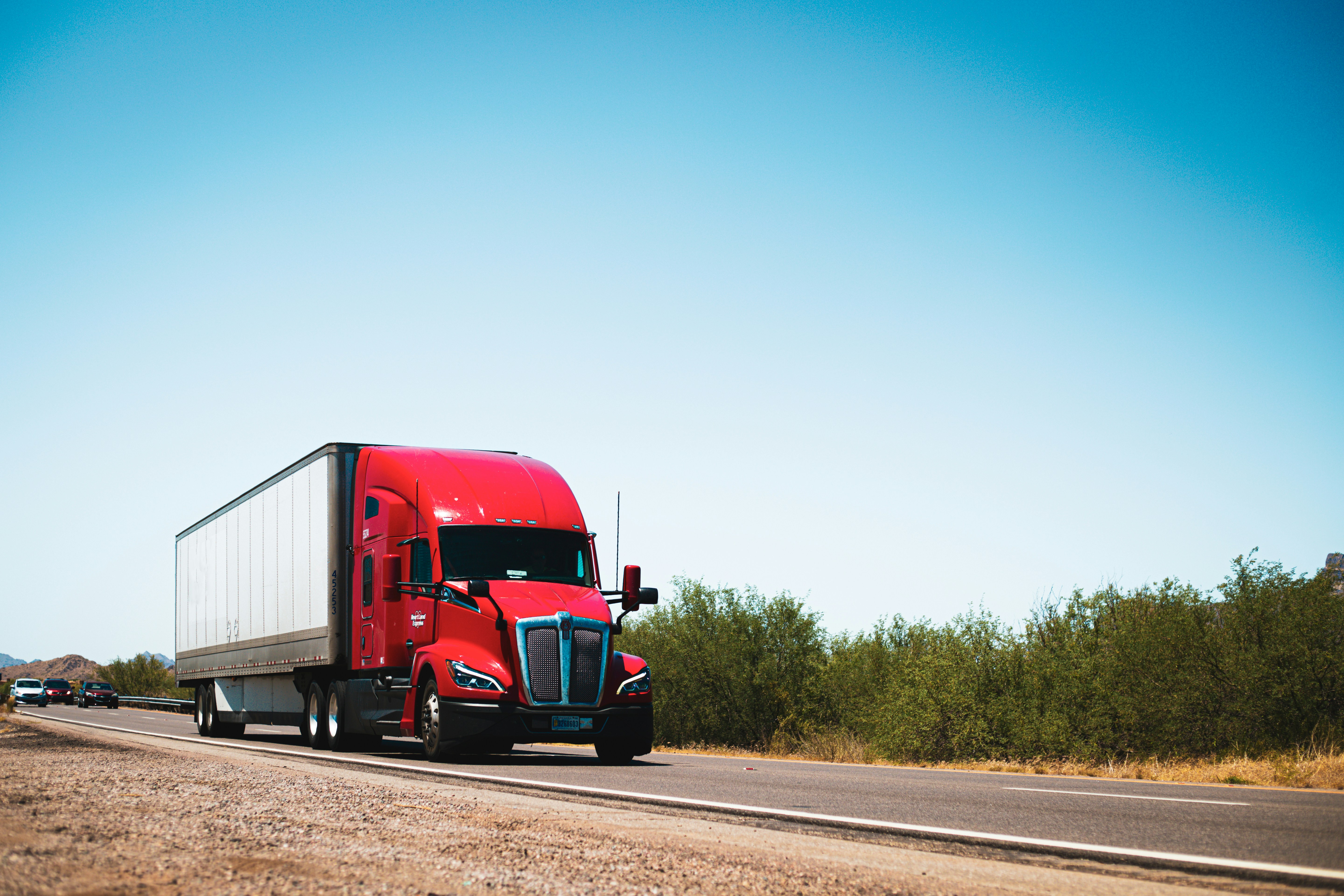
Nothing gets overwritten
Every arrival and departure is logged as its own event, so the movement history stays complete and in order.
Full control at the desk
Status are updated correctly, destinations too, and add checkpoints — the customer's timeline updates instantly.
Managing shipments for a business?
Sign in to create shipments and log checkpoints as they happen.